


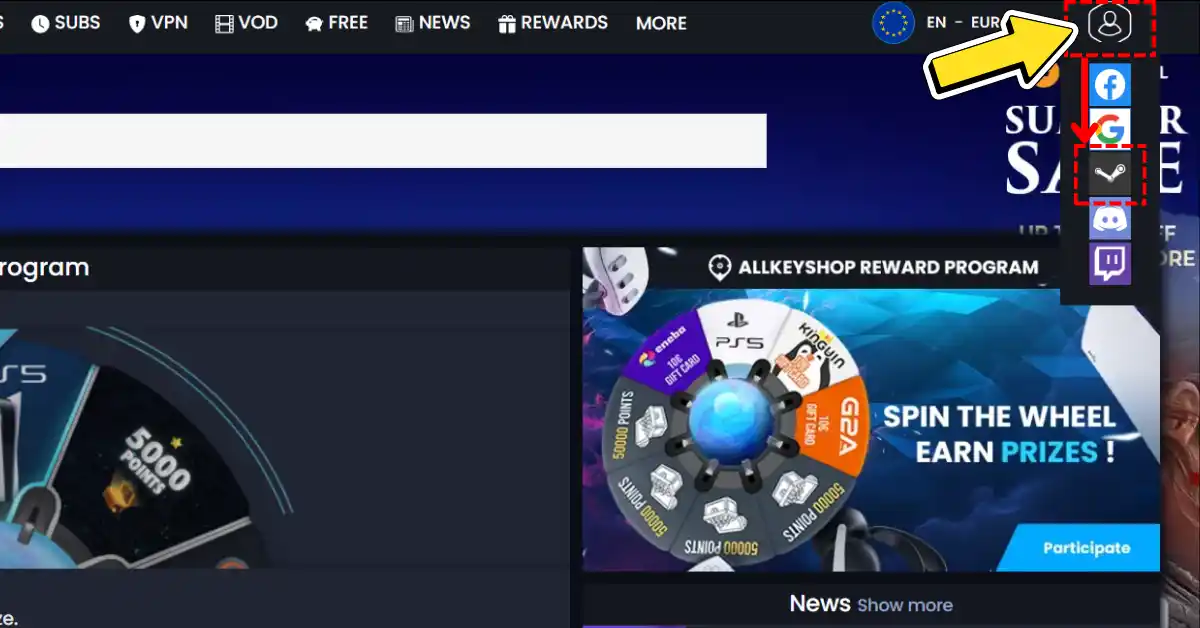
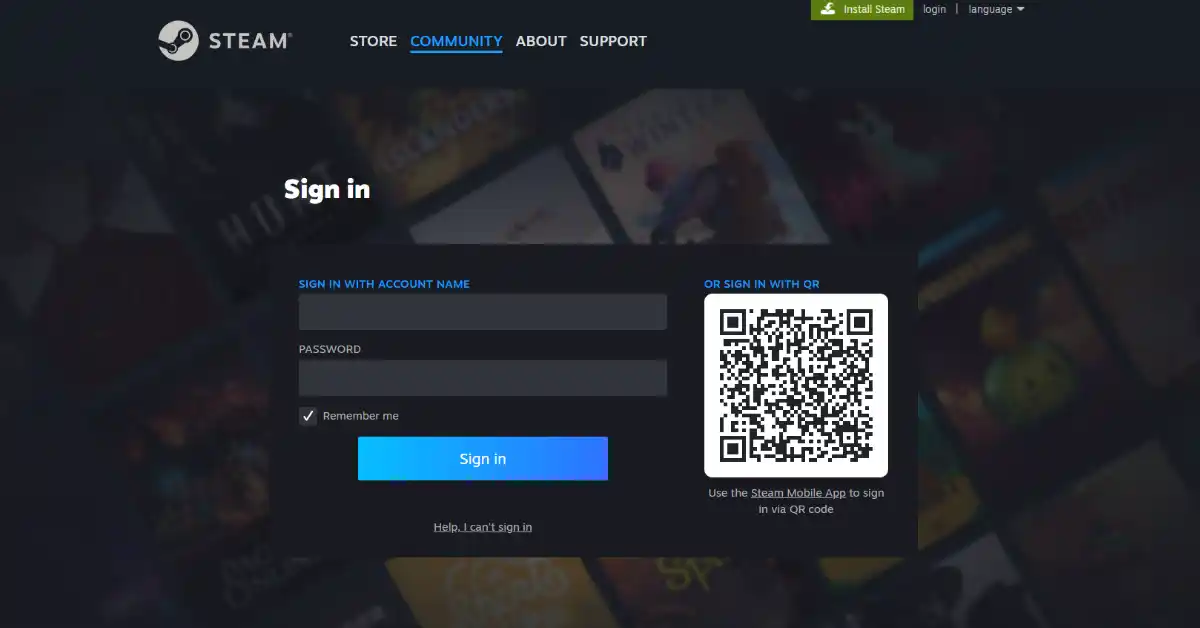
Once logged in and your Steam account is linked, you can shop on Allkeyshop, find deals, and purchase games directly through your Steam account.
![Super Meat Boy 3D confirmed for Switch 2 and Day One Game Pass [News]](https://www.allkeyshop.com/blog/wp-content/uploads/featured-super-meat-boy-3d-delay-news-nintendo-switch-2-confirmation-xbox-game-pass-day-one-172x90.webp)
![Team Ninja Reveals Free Thunderous Equipment Set for Nioh 3 [Free Gift]](https://www.allkeyshop.com/blog/wp-content/uploads/featured-nioh-3-celebrates-1-million-copies-worldwide-free-armor-set-thunderous-claim-now-172x90.webp)




Link your Steam profile to Allkeyshop

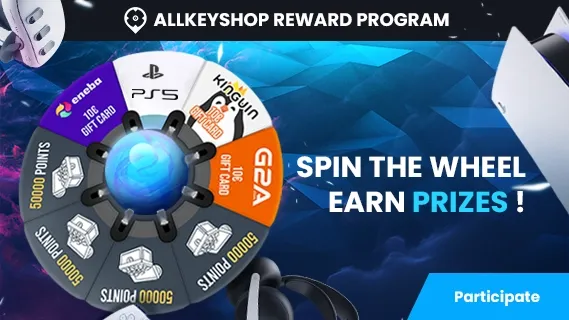
Spin the wheel and win Gift Cards

Or win points to turn the wheel again and join the Discord event

Feeling Lucky ? Win PS5, Xbox Series X or 500€ Amazon Gift Cards